POST to the verification endpoint
Send the request to https://api.listcleaner.net/verify_email. Use HTTPS and a JSON request body.

Send a secure JSON request with java.net.http.HttpClient, authenticate with your account email and API key, and use the returned status directly in your application.
The example uses Java 11 or newer. Store credentials in server-side environment variables and substitute the address you need to verify.
Send the request to https://api.listcleaner.net/verify_email. Use HTTPS and a JSON request body.
Add X-User-Email and X-Api-Key on the server. Never expose a private API key in public browser JavaScript.
Encode the address as JSON using the email property. Let the language’s JSON library escape the value correctly.
A successful response includes success, request_id, email and status. Handle errors before trusting those fields.
The copied request includes the username and API-key headers. Replace the example values with server-side configuration in production.
An HTTP success means the API processed the request. The status describes the address result. Network failures, timeouts, authentication errors and insufficient credits need different handling from an undeliverable address.
success. On an API error, record the request ID and use the documented error behavior.{
"success": true,
"request_id": "7ad81f...",
"email": "customer@example.com",
"status": "OK"
}The public response stays concise. Your application decides whether a particular status should be accepted, reviewed or rejected.
Load the user email and API key from environment or secret configuration. Do not commit them to source control, log them or return them to a browser.
Use connection and total-request timeouts. Treat a transport timeout as an unavailable result, not as proof that the submitted address is invalid.
Record the request ID, HTTP code, duration and final status. Avoid unnecessary storage of raw credentials or complete personal datasets.
Use the interactive documentation for the authoritative request fields and live testing console.
Store it in server-side environment or secret configuration. Never embed it in public JavaScript, a mobile application bundle or a committed source file.
No. The endpoint returns its technical status without sending a verification message to the recipient.
No. Catch-all, temporary and uncertain outcomes need a documented policy. Reserve hard rejection for statuses that provide sufficiently strong evidence for your use case.
Yes. The API also supports asynchronous list workflows: upload a supported file, retain the job identifier, poll its status and download the finished result.
A marketer-friendly guide to interpreting email verification results and turning each finding into a documented campaign decision.
Read article →A practical 12-step email list cleaning checklist for marketers preparing a newsletter, launch or re-engagement campaign.
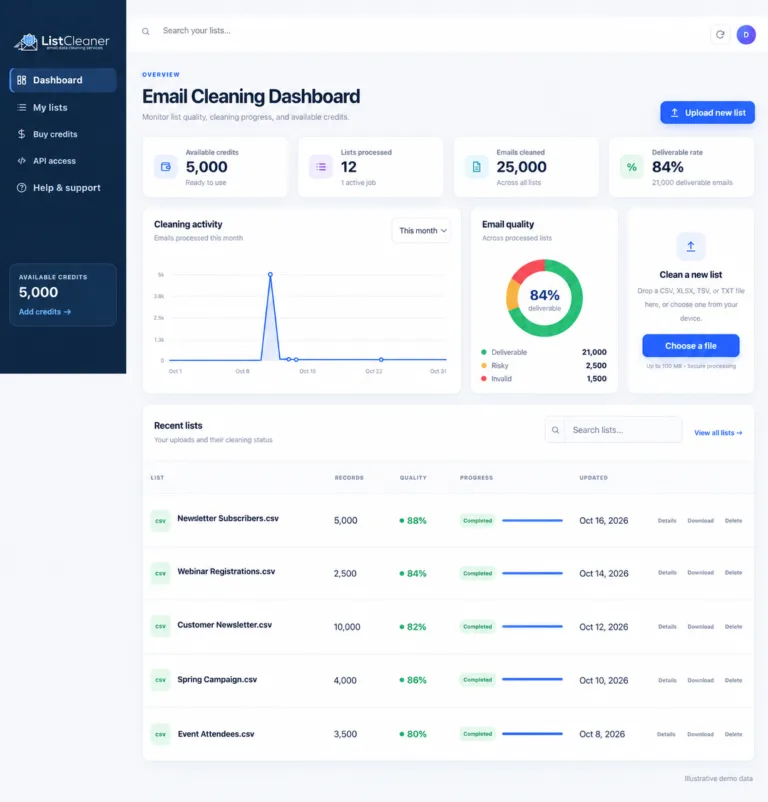
Read article →Explore the new ListCleaner dashboard for uploads, cleaning activity, email-quality summaries, recent lists, credits and API access.
Read article →